
How to Implement AI Workflow for Enterprise Efficiency

Every CTO knows the frustration when ambitious AI projects stall because goals are unclear or misaligned with real-world needs. Without a systematic approach, digital transformation can drift off course and miss meaningful ROI. By focusing on human-centered AI taxonomy and designing workflows that directly connect AI activities to business outcomes, your enterprise can achieve operational gains that last beyond initial implementation.
Table of Contents
- Step 1: Assess Business Needs And Define AI Workflow Goals
- Step 2: Design Workflow Architecture And Select AI Tools
- Step 3: Integrate AI Systems With Existing Infrastructure
- Step 4: Test Workflow For Quality And Operational Effectiveness
- Step 5: Monitor Performance And Optimize For ROI
Quick Summary
| Key Point | Explanation |
|---|---|
| 1. Clearly define AI objectives | Identify specific business problems and measurable outcomes before implementing AI workflows for strategic alignment. |
| 2. Choose appropriate AI architecture | Decide between single-agent and multi-agent systems based on task complexity to optimize efficiency and adaptability. |
| 3. Integrate AI with existing systems | Audit current infrastructure to ensure smooth integration, focusing on compatibility and data quality for effective operation. |
| 4. Comprehensive testing is essential | Validate workflow performance through functional and robustness testing to ensure accuracy and reliability before deployment. |
| 5. Monitor and optimize for ongoing ROI | Establish performance metrics to track ROI continuously and make iterative improvements to maximize business value. |
Step 1: Assess business needs and define AI workflow goals
Before implementing any AI workflow, you need a clear understanding of what problems you’re actually trying to solve. This step focuses on identifying those problems and translating them into concrete, measurable AI objectives that align with your enterprise strategy.
Start by mapping your current operational pain points. Where are your teams spending excessive time on repetitive tasks? Which processes create bottlenecks that slow down decision-making? Which areas drain resources without proportional output?
Document these problems specifically—not “customer service is slow” but “our support team handles 500 tickets daily with a 48-hour response time, requiring 12 full-time agents.”
Next, align potential AI applications with business outcomes. The National Institute of Standards and Technology provides a human-centered taxonomy for AI use that classifies 16 distinct AI activities independent of specific techniques. This framework helps you categorize how AI can contribute to your organizational goals.
Consider these key areas:
- Workflow automation and process efficiency
- Data analysis and decision support
- Customer interaction and personalization
- Predictive analytics and forecasting
- Quality assurance and risk detection
Define what success looks like for each potential AI initiative. Success metrics matter enormously for your ROI calculations. A 30% reduction in processing time translates to specific cost savings. A 15% improvement in forecast accuracy directly affects inventory management or resource allocation.
Here’s a snapshot of common AI workflow goals and how they impact business outcomes:
| AI Workflow Goal | Example Application | Expected Business Impact |
|---|---|---|
| Workflow automation | Invoice processing | Reduces labor and manual errors |
| Data analysis | Financial forecasting | Improves decision quality |
| Customer personalization | Recommendation engine | Boosts engagement and retention |
| Predictive analytics | Inventory demand prediction | Lowers excess stock, increases ROI |
| Risk detection | Fraud alert system | Enhances compliance and safety |
Clear, measurable goals transform AI from a technology experiment into a business investment with predictable returns.
Engage stakeholders across your organization early. Your finance team understands budget impacts. Your operations teams know real-world constraints. Your IT leadership grasps infrastructure requirements. Getting these voices into the conversation prevents expensive misalignment later.
When assessing which AI solutions and workflows make sense for your enterprise, distinguish between quick wins and strategic initiatives. Quick wins might be automating invoice processing or routing customer inquiries. Strategic initiatives involve reimagining entire customer journeys or supply chain operations.
Document your findings in a simple assessment matrix: the business problem, the potential AI solution, expected benefits (quantified), required resources, and implementation timeline. This becomes your roadmap for the next steps.
Pro tip: Involve your finance team when defining goals and metrics—getting them invested in success criteria now prevents budget debates and scope creep during implementation.
Step 2: Design workflow architecture and select AI tools
Now that you’ve defined your AI goals, you need to design the underlying architecture that will execute those workflows. This step involves choosing the right structure for your AI system and selecting tools that align with your specific business requirements.
Start by determining whether you need a single-agent or multi-agent architecture. A single-agent system handles one type of task or workflow. Multi-agent systems coordinate multiple specialized agents working together on complex problems. Your choice depends on workflow complexity and the number of concurrent tasks your business needs to handle.
Consider these architectural factors:
- Task complexity and interdependencies
- Volume of concurrent workflows
- Need for human oversight or intervention
- Real-time versus batch processing requirements
- Integration with existing systems and data sources
Agent orchestration and workflow design involves selecting how tasks route between components and which AI tools handle specific activities. Your architecture must support flexibility so you can adjust task assignments and add new tools as needs evolve.
To clarify architecture options, here is a comparison of single-agent and multi-agent AI workflows:
| Architecture Type | Typical Use Case | Strengths | Limitations |
|---|---|---|---|
| Single-agent | Automating one task | Simplicity, easy to maintain | Limited flexibility, scalability |
| Multi-agent | Coordinating complex tasks | High adaptability, task coverage | Increased complexity, harder setup |
Next, map business requirements to AI capabilities. Not every workflow needs cutting-edge generative AI. Some benefit from traditional machine learning. Others require large language models. Match tool selection to specific workflow activities using your earlier goal definitions.
Evaluate potential tools across these dimensions:
- Does it solve the specific business problem you identified?
- Can it integrate with your existing technology stack?
- What are the computational and resource requirements?
- What does ongoing support and maintenance look like?
- How does pricing scale with your expected usage?
Your architecture should be flexible enough to swap tools without rebuilding the entire workflow.
When selecting AI automation tools and platforms, prioritize solutions that demonstrate clear ROI for your initial use case. Start with a focused tool set rather than trying to implement everything simultaneously. You can expand the toolkit as you gain experience and identify additional opportunities.
Document your architectural decisions, including which tools handle which tasks, how data flows between components, and where human decisions occur. This documentation becomes critical for scaling later.
Pro tip: Build a prototype workflow with your selected tools before full implementation—this validates assumptions about integration challenges and performance at a fraction of production costs.
Step 3: Integrate AI systems with existing infrastructure
Integrating new AI systems into your existing technology environment requires careful planning and execution. This step focuses on ensuring your AI workflows operate smoothly alongside legacy systems, databases, and applications without disrupting current operations.

Start by auditing your current infrastructure. Document what systems you have, how they communicate, what data formats they use, and where critical bottlenecks exist. Legacy systems often use older protocols or data standards that don’t naturally connect to modern AI tools.
Identify key integration points:
- Enterprise resource planning systems and databases
- Customer relationship management platforms
- Data warehouses and data lakes
- Authentication and security systems
- APIs and existing integration layers
Assess technical and operational challenges including data compatibility, system interoperability, and security requirements. Your AI tools must read data from existing systems and write results back in formats those systems understand.
Prioritize data quality and standardization before full integration. Garbage in equals garbage out. Audit data accuracy in source systems, establish consistent naming conventions, and implement data governance standards that your AI systems will follow.
Design your integration architecture carefully:
- Use API layers to mediate between AI tools and legacy systems
- Implement data transformation pipelines for format conversion
- Establish clear data flow diagrams showing how information moves
- Plan for error handling and data validation at each connection point
- Build redundancy to prevent single points of failure
A phased integration approach minimizes risk and allows you to validate each component before moving forward.
When deploying AI into your production environment, adopt a phased rollout strategy. Start with non-critical workflows. Test thoroughly with real data. Gather feedback from users before expanding to mission-critical processes. This approach lets you catch integration issues early without jeopardizing business operations.
Manage stakeholder communication throughout integration. Your database administrators need to understand data flows. Your security team must approve access controls. Your operations teams require training on new workflows. Keeping these groups informed prevents surprises during deployment.
Document all integration decisions, API connections, data mappings, and security protocols. This documentation becomes invaluable for troubleshooting issues and scaling later. Your system engineering and architecture teams can ensure these integrations follow enterprise standards.
Pro tip: Create a dedicated integration testing environment that mirrors production before deploying to live systems—this reveals compatibility issues without impacting real operations.
Step 4: Test workflow for quality and operational effectiveness
Before deploying your AI workflow to production, you need comprehensive testing to verify it performs reliably and delivers the business outcomes you defined earlier. This step focuses on validating accuracy, reliability, and real-world operational performance.
Begin with functional testing. Does your workflow execute the intended tasks correctly? Test with sample data that mirrors your actual business scenarios. If your workflow processes customer inquiries, test it with real inquiry patterns. If it analyzes financial data, use representative financial records.
Establish clear success criteria:
- Output accuracy against known correct answers
- Processing speed and latency requirements
- Error handling and graceful failure modes
- Integration with downstream systems
- Consistency across repeated runs
Next, conduct quality and robustness testing. The National Institute of Standards and Technology provides frameworks for AI test, evaluation, validation, and verification that measure accuracy, robustness, bias, transparency, and interpretability. Use these methodologies to identify system weaknesses before production deployment.
Test for potential biases in your AI system. Does it treat different customer segments fairly? Does it make consistent decisions regardless of input variations? Bias detection matters enormously for enterprise credibility and compliance.
Create realistic test scenarios:
- Normal operating conditions with typical data
- Edge cases and unusual but valid inputs
- High-volume stress testing
- Security and adversarial inputs
- Failover and recovery scenarios
Testing should simulate the actual production environment as closely as possible to catch integration issues before they affect real operations.
Perform operational effectiveness testing with actual users. Let your operations teams run workflows on real data under realistic conditions. Collect feedback on usability, speed, and whether the workflow actually saves time and reduces errors.
Measure against your original business goals. Did you achieve the 30% processing time reduction you targeted? Are error rates genuinely lower? Does the ROI math still work? If results fall short, adjust your workflow rather than deploying a suboptimal system.
Document all test results, including failures and how you addressed them. Create a test report that demonstrates the workflow meets your quality and performance requirements before sign-off from stakeholders.
Pro tip: Run parallel testing where your AI workflow processes the same data as your existing system, comparing outputs side-by-side—this validates accuracy while maintaining business continuity if issues arise.
Step 5: Monitor performance and optimize for ROI
Deploying your AI workflow is not the finish line. Ongoing monitoring ensures your system continues delivering business value and allows you to identify optimization opportunities. This step focuses on establishing performance metrics, tracking ROI, and making data-driven improvements.
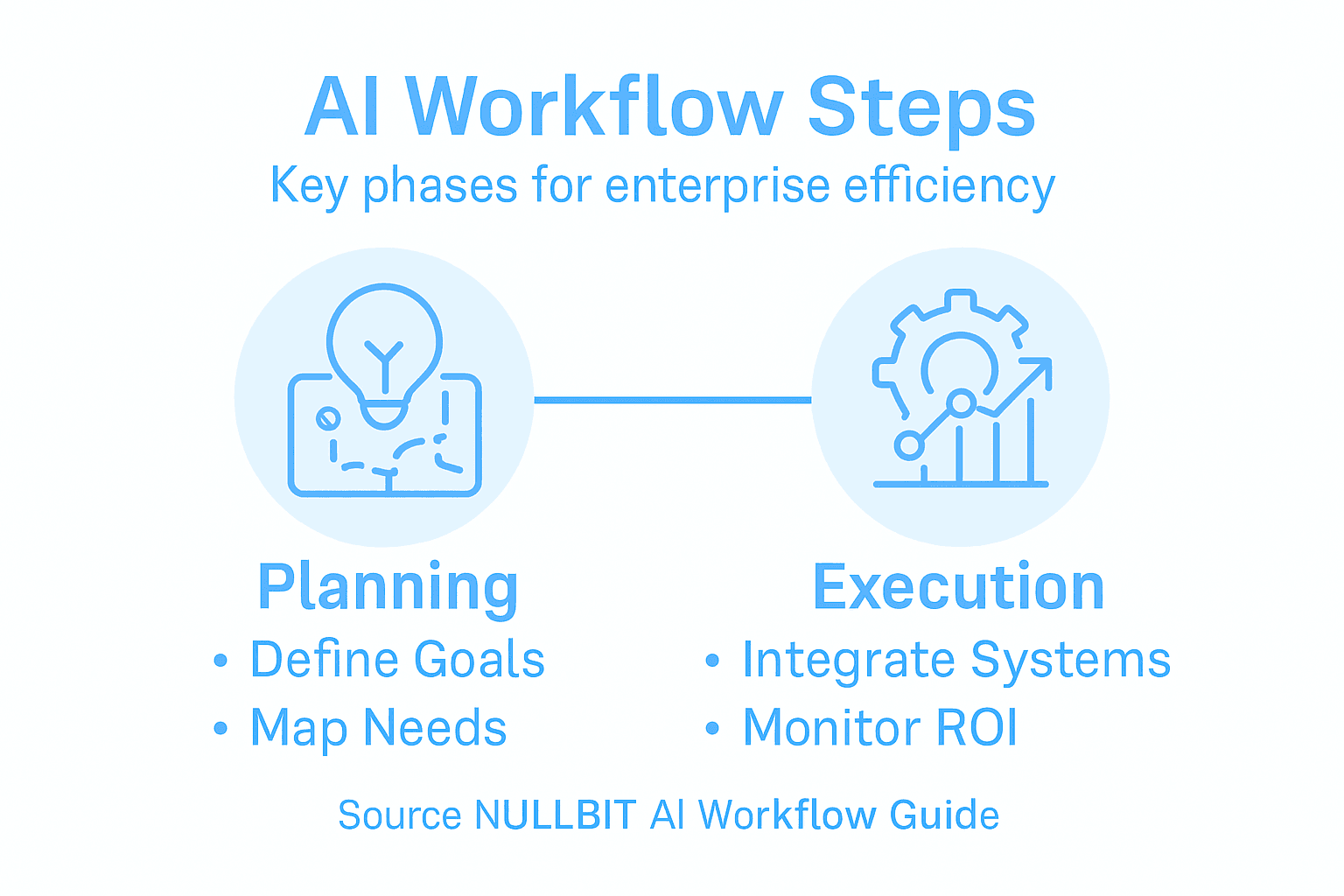
Start by defining clear monitoring metrics. These should connect directly to your original business objectives. If you aimed for 30% faster processing, measure actual processing times. If you wanted fewer errors, track error rates. Avoid vanity metrics that look good but don’t impact the bottom line.
Establish key performance indicators:
- Accuracy and quality metrics
- Processing speed and throughput
- Cost per transaction or output
- System uptime and reliability
- User adoption and satisfaction
- Error rates and failure modes
The Stanford University 2024 AI Index Report emphasizes monitoring AI system performance through defined metrics to evaluate return on investment. Track outcomes against your business objectives and operational costs to understand whether your AI investment is actually paying off.
Implement continuous monitoring infrastructure. Your workflow should log relevant data automatically without manual intervention. Set up dashboards that display key metrics in real-time so stakeholders can see performance trends without requesting reports.
Compare your workflow’s performance against a baseline. What were results before AI implementation? How have they improved? Calculate the actual cost savings. If your workflow processes 500 invoices daily at 80% accuracy versus manual processing at 95% accuracy but requiring 10 employees, the math must justify the trade-off.
ROI calculations must account for all costs: tool licensing, infrastructure, integration, training, and ongoing maintenance alongside the measurable benefits.
Use AI risk management frameworks to guide performance assessment and governance. These frameworks recommend continuous risk assessment aligned with strategic goals, enabling you to identify performance gaps and operational risks before they become expensive problems.
Optimize iteratively. If accuracy is 78% but your goal was 85%, analyze what’s causing the gap. Are certain data types underperforming? Do specific scenarios cause errors? Make targeted improvements rather than blanket changes.
Schedule regular reviews with stakeholders. Monthly or quarterly check-ins keep business leaders informed and engaged. If performance falls short of projections, address it early rather than letting underperformance persist.
Pro tip: Create an optimization backlog where you document discovered improvements, then prioritize and implement them in sprints—this prevents constant firefighting while ensuring continuous value delivery.
Unlock Enterprise Efficiency Through Expert AI Workflow Implementation
Facing the challenge of transforming complex business processes into measurable AI-driven outcomes requires more than just technology. The article highlights how defining clear goals, architecting the right AI systems, seamless integration, and continuous optimization are critical to unlocking true efficiency and ROI. Common pain points include workflow bottlenecks, costly manual tasks, data inconsistencies, and the need for scalable, adaptable AI solutions.
At NULLBIT, we understand these challenges deeply. Our AI solutions are tailored to automate and optimize your enterprise workflows with precision. From custom AI architectures to reliable system integration, we deliver practical digital systems designed to reduce operational friction while boosting decision-making speed and accuracy. Partner with us to harness cutting-edge AI tools and achieve measurable improvements that align with your strategic goals.
Ready to move beyond experimentation and implement AI workflows that drive real business value? Explore our AI automation services and system engineering expertise to build a future-proof infrastructure. Visit NULLBIT today and take the first step toward transforming your enterprise efficiency with confidence.
Frequently Asked Questions
What are the first steps to implement AI workflow for enterprise efficiency?
Start by assessing your business needs and defining specific goals for your AI workflow. Identify operational pain points, document them clearly, and align potential AI applications with measurable business outcomes.
How can I choose the right AI tools for my workflow?
Evaluate AI tools based on your business requirements and the specific tasks they need to perform. Consider factors such as integration potential and the tools’ ability to address the problems you identified in your assessments.
What should I consider when designing the architecture of my AI workflow?
Determine whether you need a single-agent or multi-agent architecture based on task complexity and workflow requirements. Design your system to support flexibility, enabling you to swap tools or adjust tasks as your needs evolve.
How can I ensure successful integration of AI systems with my existing infrastructure?
Conduct a thorough audit of your current systems to identify integration points and compatibility challenges. Establish a phased integration approach that minimizes risk and allows you to validate each component as it is deployed.
What metrics should I use to monitor the performance of my AI workflow?
Define clear monitoring metrics that connect directly to your original business goals, such as processing speed and accuracy. Implement continuous monitoring to ensure your AI system delivers ongoing value and identify areas for optimization.
How can I optimize my AI workflow to maximize return on investment?
Regularly review the performance of your AI workflow against established metrics and your initial goals. Identify specific areas for improvement and implement targeted changes to incrementally boost efficiency, aiming for measurable enhancements within a few months.
Recommended
- AI Solutions | Copilots, RAG Systems & AI Features | NULLBIT
- AI Automation Services | Workflow Automation & AI Agents | NULLBIT
- MCP Development | Model Context Protocol Integration | NULLBIT
- Portfolio Management | Company Structure & HR Solutions | NULLBIT
- Dot Data Labs — High-Quality Data for Training AI Models — Providing datasets for AI training
- How to Deploy GPU Servers for AI and Model Training